Six color settings per scheme, every background paired with a foreground. Any section can be assigned any scheme, and the band renders edge to edge while content stays on the page grid.
A Kova theme
Milestone
Evidence-led commerce. Ingredient references, comparison matrices, documented test results, and protocol timelines — the structure to substantiate a claim rather than just make one.
42 sections a merchant can add from the theme editor, thirteen page types, and a deliberately small set of global controls that every section obeys. Ingredient references, comparison tables, and proof sections are built in. Curated complementary products use Shopify's free Search and Discovery app; reviews and subscriptions use separate apps.
Join the waitlist See the demo store Read the docs
View test results →The demo runs on a Shopify development store, which is always password protected. Use .
Evidence and proof
The reason Milestone exists. Structured places to put the substance behind a claim, all editable as blocks — no custom app, no metafield required to get started.
7 sections
-
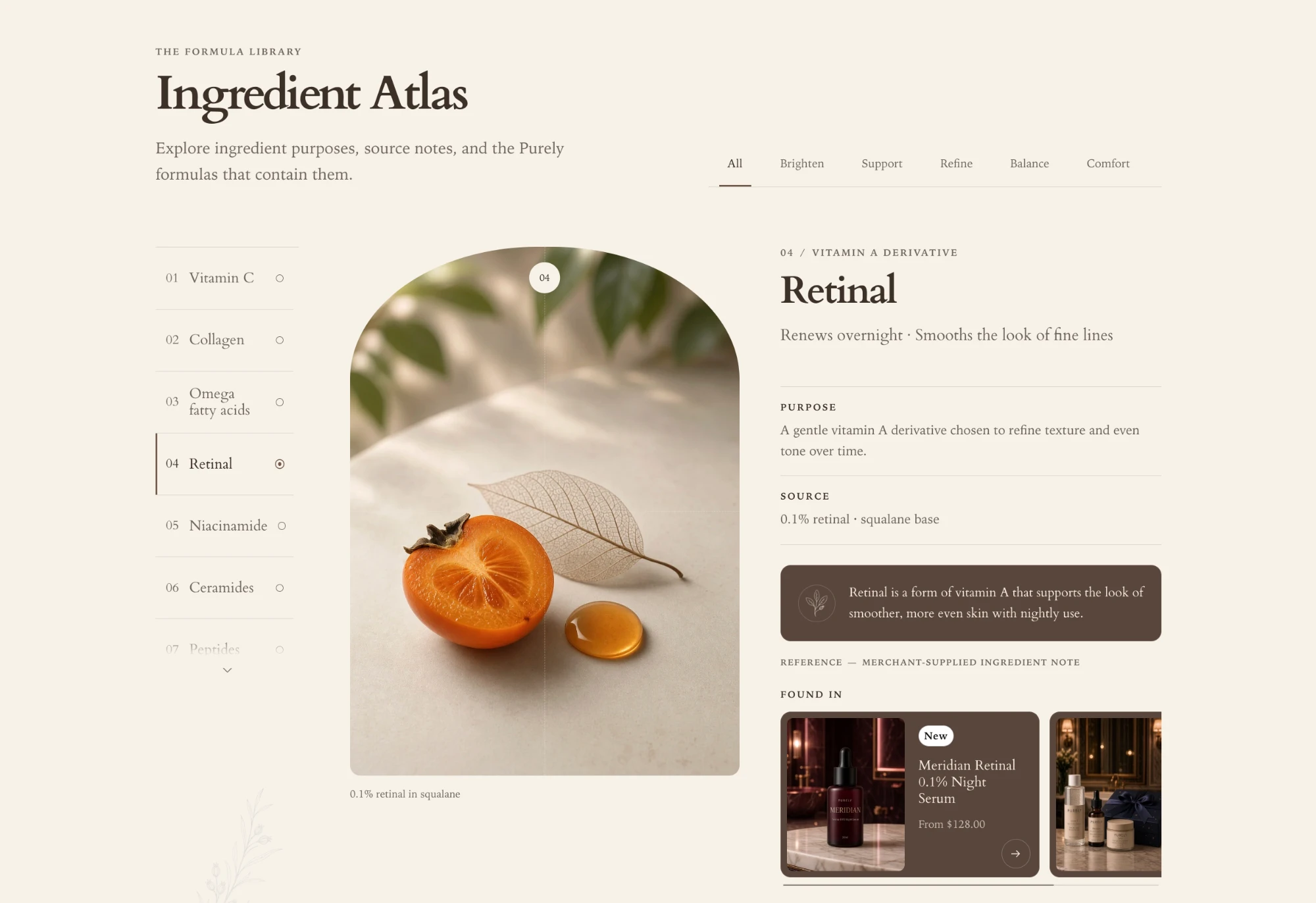
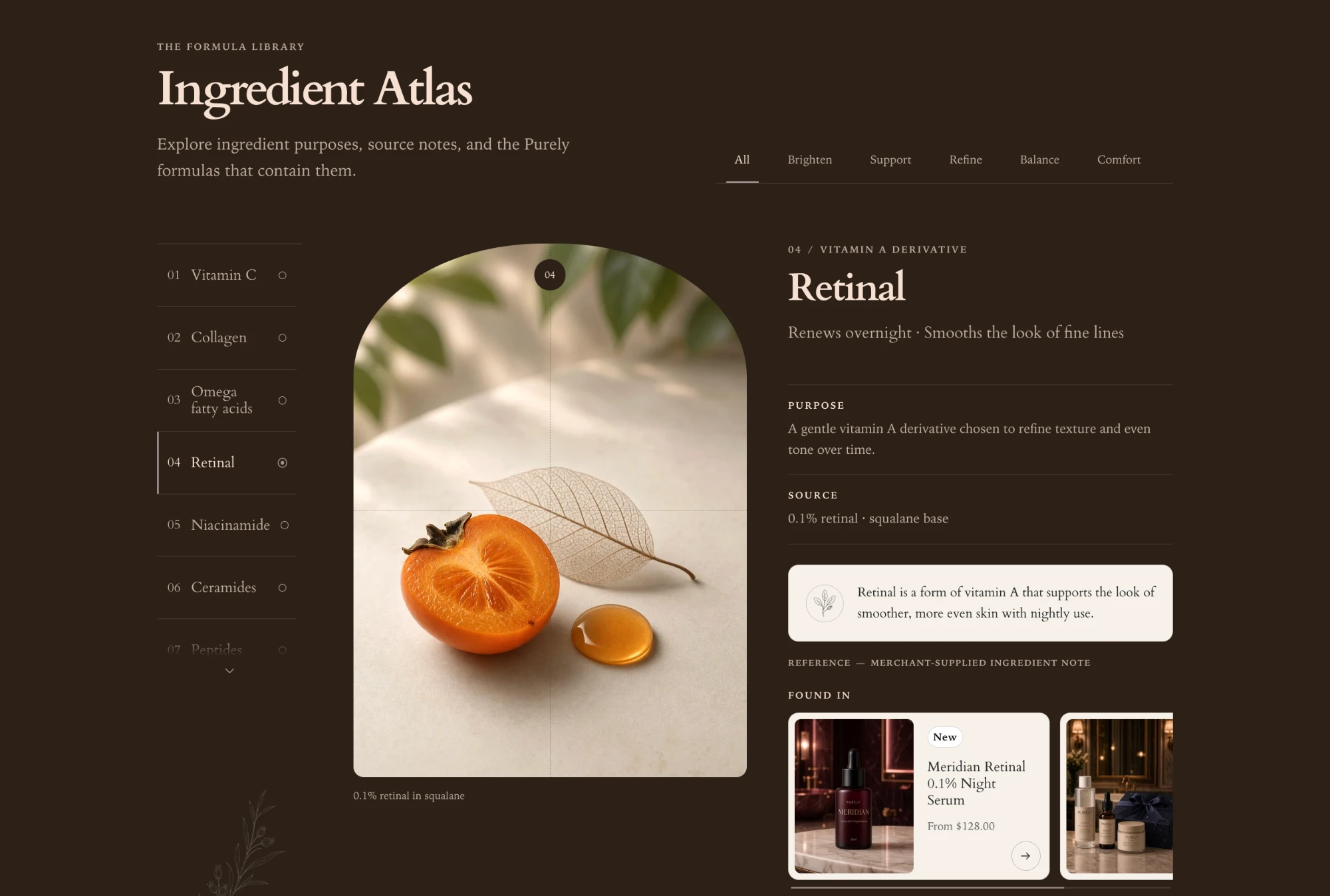
Ingredient atlas
Scrollable reference of actives with purpose, source, and concentration.
-
Formula comparison
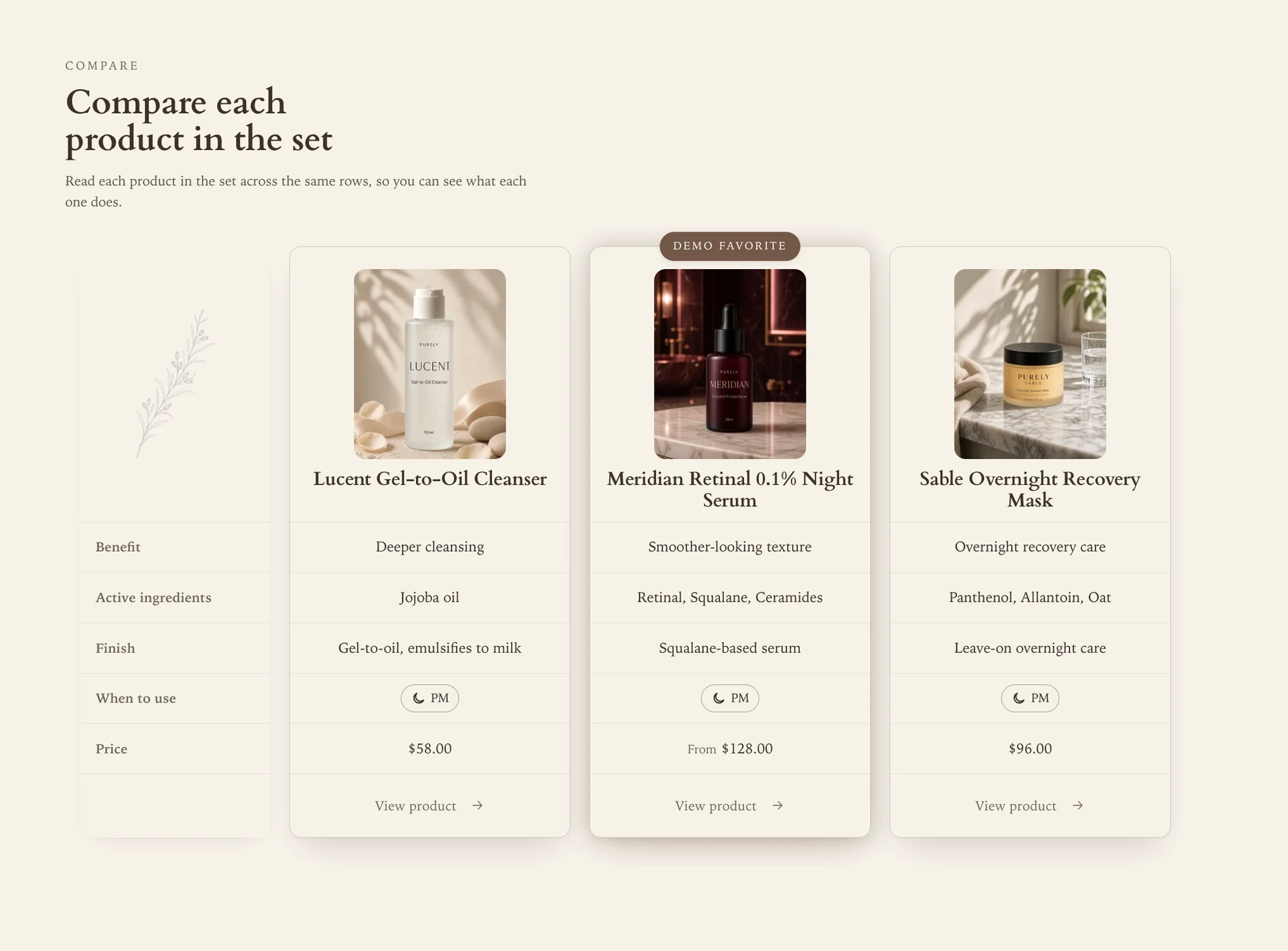
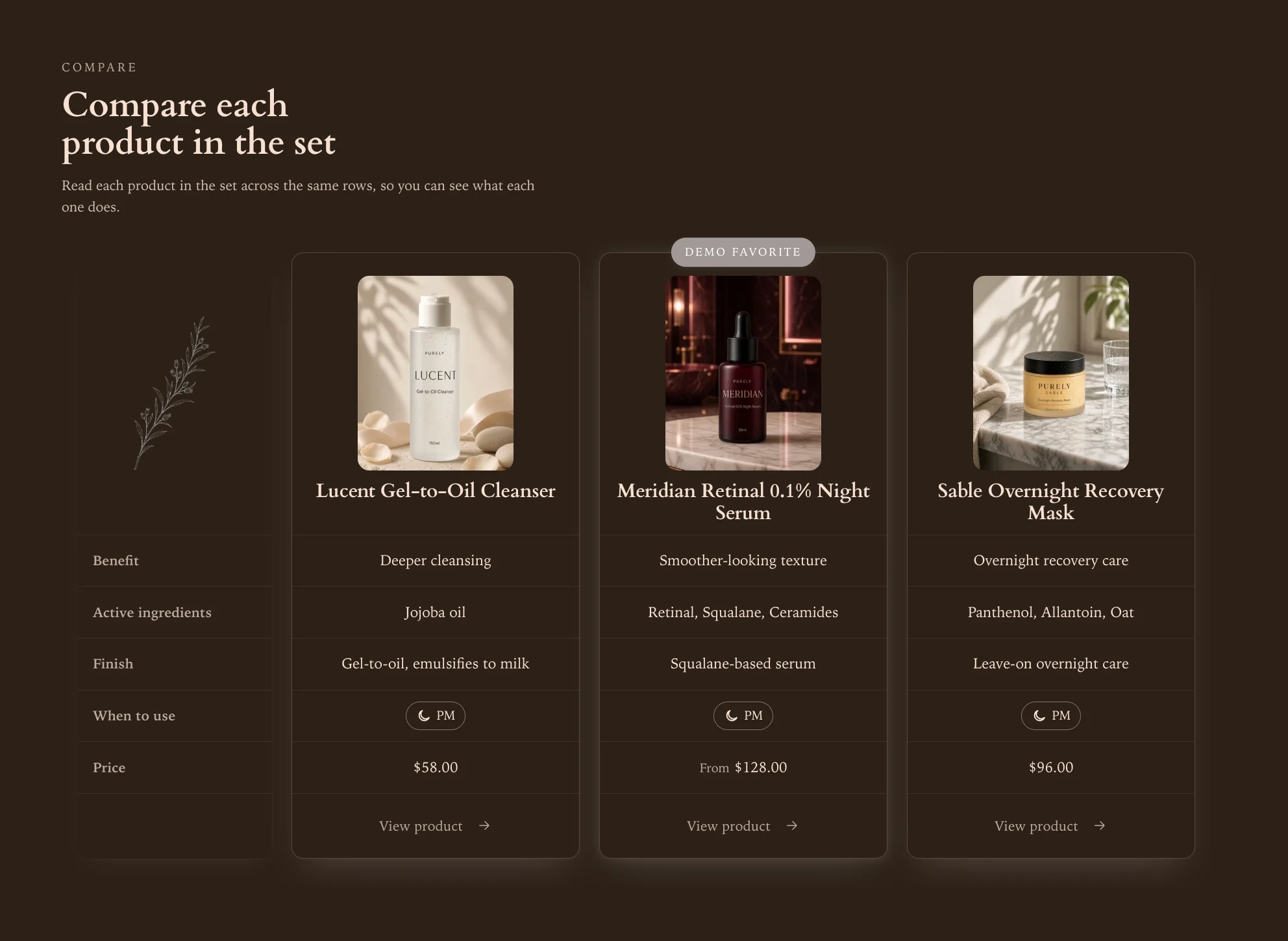
Semantic comparison table with a sticky first column and no JavaScript.
-
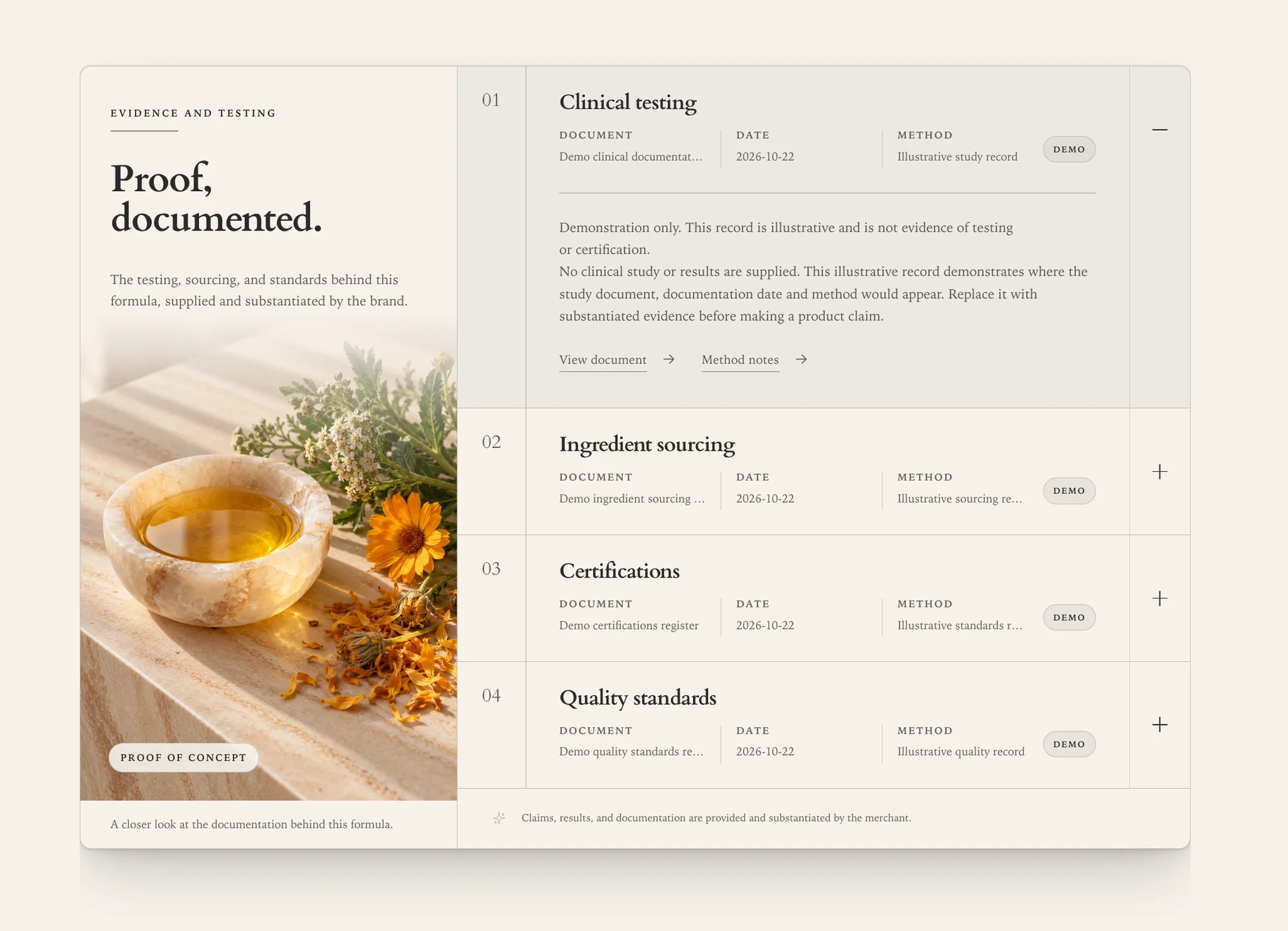
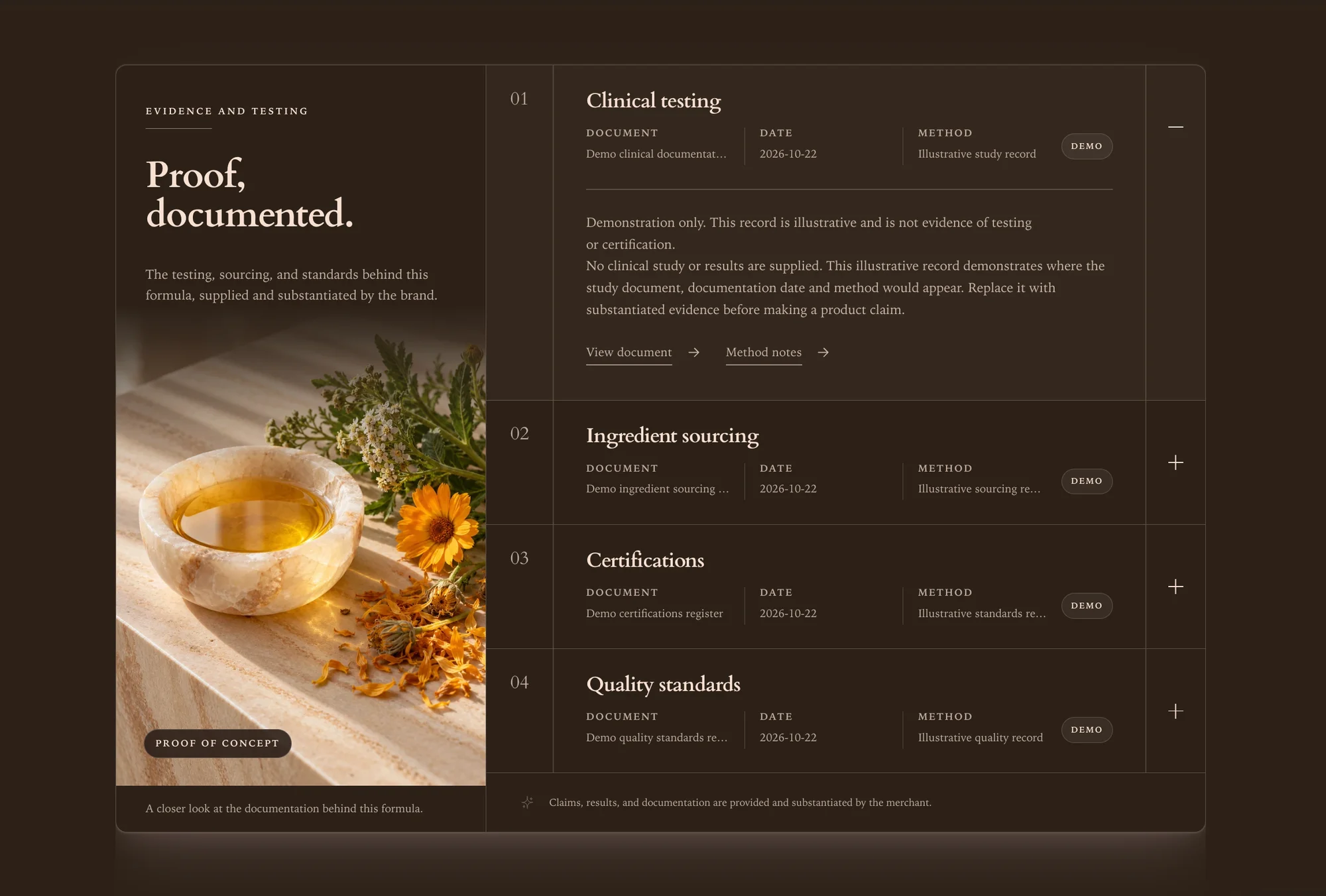
Proof ledger
Documents and test results listed with honest provenance labels.
-
Protocol timeline
Multi-week programs split into daily and weekly steps.
-
Evidence cards
Per-product fact ledger with a flush add-to-bag bar, built for the kit template.
-
Benefits and suitability
Skin type, suitability, and fragrance status at a glance.
-
Before and after
Image comparison driven by a native, keyboard-operable range input.
Product page
Two complete product page architectures. Pick the buying-first stage or the editorial chapters layout per product, using an alternate template.
6 sections
-
Product stage
Gallery, buying column, and media in a pinned two-column stage.
-
Product chapters
Editorial product page that reads as a narrative, buying column alongside.
-
Product dossier
Grouped reference disclosures for ingredients, warnings, storage, and sourcing, beside one pinned image.
-
Related products
Shopify's related product recommendations in a scrolling row, loaded as shoppers reach it.
-
Product reviews
App block surface plus a metafield-gated ratings summary.
-
Product routine preview
Each product’s assigned routine pages, as stacked cards or a slideshow.
Collection and discovery
Faceted filtering, sorting, and pagination that work with JavaScript switched off, then get faster when it loads.
7 sections
-
Product grid
Faceted filtering, sorting, filter drawer, and price range control.
-
Collection banner
Split hero with collection title, description, and image.
-
Collection categories
Tab-style navigation between related collections.
-
Collection list
Grid of collections with featured images.
-
Concern navigator
Entry points organized by what a customer is trying to solve.
-
Featured collection
Product rail with swatches, quick view, ratings, and new badges.
-
Featured product
One product given a full buying column, gallery, and fact blocks.
Storytelling and editorial
The familiar building blocks, rebuilt. Every one honors the global color scheme, page width, and motion settings rather than shipping its own competing controls.
10 sections
-
Hero banner
Full-bleed or contained hero with focal-point aware imagery.
-
Image story
Editorial image and copy pairing with layered composition.
-
Image with text split
Split, overlay, and collage layouts from one section.
-
Video with text
Hosted or external video paired with supporting copy.
-
Video
Standalone video with poster, captions, and a real pause control.
-
Rich text
Formatted copy block with heading, body, and buttons.
-
Multicolumn
Flexible column grid for features, steps, or highlights.
-
Testimonial carousel
Quotes with pause control and reduced-motion support.
-
Shop the ritual
One photograph with a numbered marker pinned over each product in it.
-
Video reels
Portrait, square, or landscape reels, each with a shoppable product panel.
Conversion and support
The sections that answer objections and capture intent.
8 sections
-
Routine builder
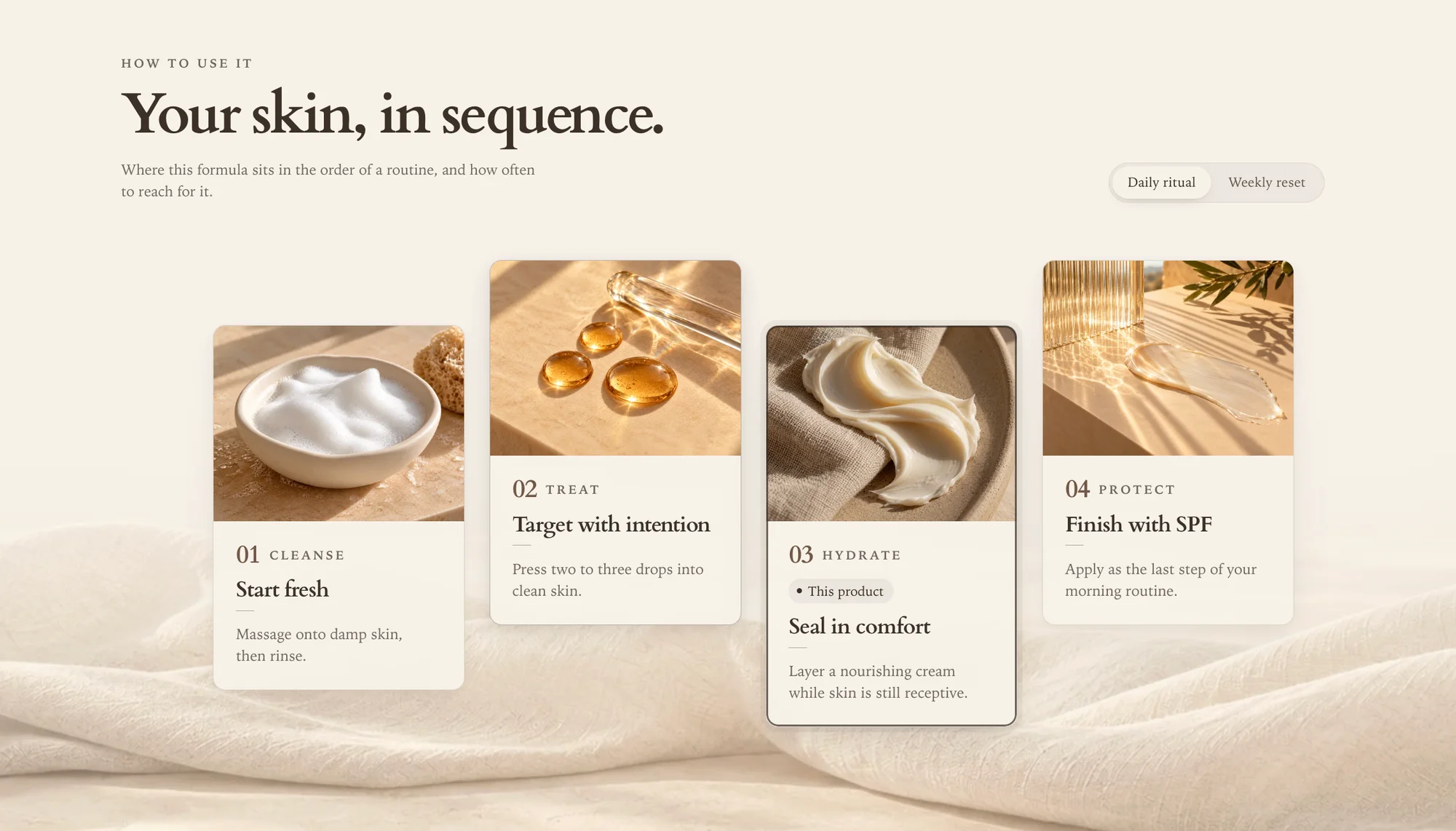
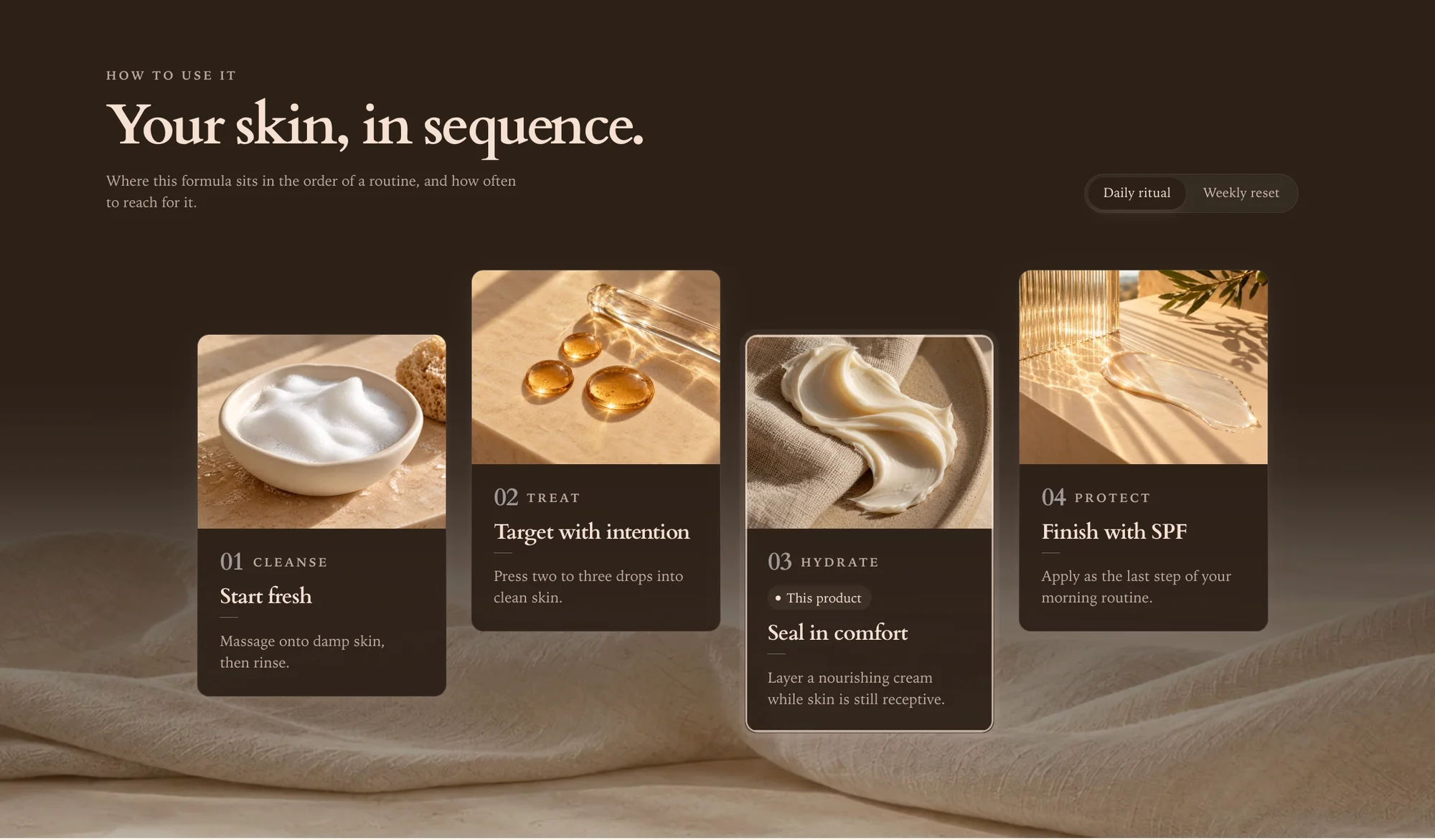
AM and PM tabs that sequence products into a usable routine.
-
FAQ
Accessible accordion with measured-height open and close animation.
-
Icon list
Compact trust and benefit strip.
-
Newsletter
Split editorial signup card wired to Shopify customer capture.
-
Routine library
A directory of routine pages with goals, frequency, and product counts.
-
Cart recommendations
Products to add from the cart, chosen automatically, from a list, or both.
-
Newsletter popup
Delayed signup overlay with its own image, copy, and fine print.
-
Breadcrumbs
Structured navigation trail for deep catalog pages.
Global
Header, footer, and utility sections live in section groups, so they are editable in the theme editor like everything else.
5 sections
-
Header
Sticky engine, cart badge, search overlay, and multi-level menus.
-
Footer
Menus, social links, payment icons, and localization form.
-
Subfooter
Legal line, country and currency selector, language selector.
-
Announcement bar
Rotating messages with pause control and per-message links.
-
Custom Liquid
An escape hatch for merchants who need to drop in their own markup.
What merchants control
Few settings, wide reach
A theme that exposes forty sliders per section is a theme that has not decided anything. Milestone keeps the controls global, so one change is consistent everywhere instead of needing to be repeated in twelve places.
Heading and body fonts through Shopify's font picker, with bold, italic, and bold-italic variants loaded automatically. No custom font uploads to slow the first paint.
A single page-width token drives every section. Switch between a narrow editorial measure and a wide commercial grid without touching individual sections.
One control picks the transition style — fade, rise, scale, or none — and another picks the speed. Every menu, tab, disclosure, and slideshow in the theme obeys both.
Image ratio, hover behavior, vendor, ratings, swatches, quick add, and badge display are set once globally and respected by every grid and rail in the theme.
Entrance animations are a separate global toggle, layered so the content is always present for search engines and readers who disable motion.
Set up once, correct forever
Every product page builds its own routine
A merchant curates complementary products once per product, in Shopify's own free app. Every product page then lays out its own routine — the right cleanser, the right serum, in the right order — and a customer adds the whole thing in one action. No page-by-page editing, and nothing to redo when the catalog grows.
One frame, whole catalog
The steps and their copy are designed once. The products come from each product's own list, so a four-piece kit shows four steps and a single serum shows two, from the same template.
One click for the customer
Add complete routine opens a review of every step with a running total, then adds them as separate line items — so discounts, subscriptions, and inventory all behave normally.
Quiet when it is empty
A step with nothing to show renders nothing, a tab with no steps removes itself, and a product with no list shows no section. Merchants see why in the editor; customers never see a gap.
Two product pages
A single product and a kit are not the same sale
Most themes ship one product page and let you rearrange it. Milestone ships two, each arguing for a different kind of purchase, assigned per product from the Shopify admin. The buying column, variant behavior, and checkout are identical across both.
product
Explanation first, for the purchase that needs an argument.
The page reads as a narrative — ingredients, protocol, proof — with the buying column pinned alongside rather than pushed below the fold. For hero products and unfamiliar categories, where the real question is "why does this cost that".
Read the product guideproduct.set
Built for kits, where the sale is the relationship between products.
Opens with Evidence cards, a section written for this template alone: every product in the kit gets its own panel of facts and its own add-to-bag bar. It drops the three sections a kit cannot answer — one ingredient list, one protocol, one before and after — and puts the routine at the center instead.
Read the product.set guideOne purchase, not a monthly stack
The merchandising is in the theme
Most of what follows is sold as separate apps, each with its own monthly fee, its own settings screen, and its own scripts on your product page. In Milestone it is part of the theme — configured in the theme editor, styled by your own color and type settings, and bought once.
- Routine and cross-sell sequencing
- Complementary product merchandising
- Comparison matrices
- Ingredient references
- Documented test results and certificates
- Before-and-after sliders
- Quick add and quick view
- Faceted collection filtering
- Predictive search
- FAQ and testimonials
What still needs an app
Being straight about the edges is worth more than a bigger claim. Three things sit outside a theme's reach, and Milestone is built to host them rather than pretend they are unnecessary.
Reviews
Ratings and review content live in an app, because Shopify does not model them for a theme. Milestone gives them a place in the page through app blocks.
Subscriptions
Selling plans are created by an app. The theme renders the purchase options, the plan selector, and the pricing that comes with them.
Search and Discovery
Shopify's own app, free. The routine builder reads its curated complementary products from it.
Layouts for thirteen page types
Milestone includes layouts for thirteen page types, from the home page to contact and gift card pages, with alternate templates for selected layouts.
- Home
- Product
- Collection
- Search
- Cart
- Blog
- Article
- Page
- Contact
- List collections
- Password
- 404
- Gift card
Sells in more than one market
Country, currency, and language selectors are built on Shopify's localization form and placed where the guidelines say they belong — in the sub-footer, beside the cart, and inside navigation drawers.
- Country selector
- Currency selector
- Language selector
- Translation ready
The theme ships in English. Every storefront string and theme editor label sits in a locale file rather than a template, so a language can be added through Shopify's own translation tooling without editing Liquid.
Want it when it lands?
A confirmation now, then one email at launch with early-access pricing.